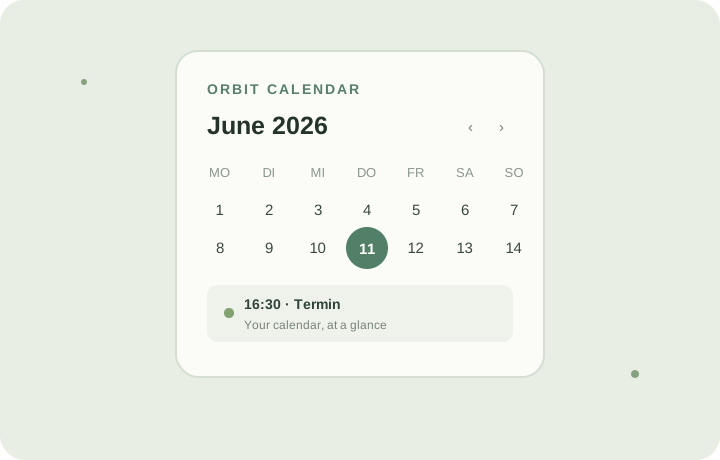
 YOUR CALENDAR AT A GLANCE
01 CALENDAR
Orbit Calendar
See upcoming events at a glance. Connect a calendar and keep your next appointments close on your glasses.
Calendar appCalDAVICS
Explore Orbit Calendar BUILT FOR META RAY-BAN DISPLAY
Keep your calendar, next class and personal budget in view. Explore practical web apps for Meta Ray-Ban Display and follow clear setup guides to get started.
Explore the appsTHE COLLECTION
Three useful tools, ready when you need a quick glance.
YOUR CALENDAR AT A GLANCESee upcoming events at a glance. Connect a calendar and keep your next appointments close on your glasses.
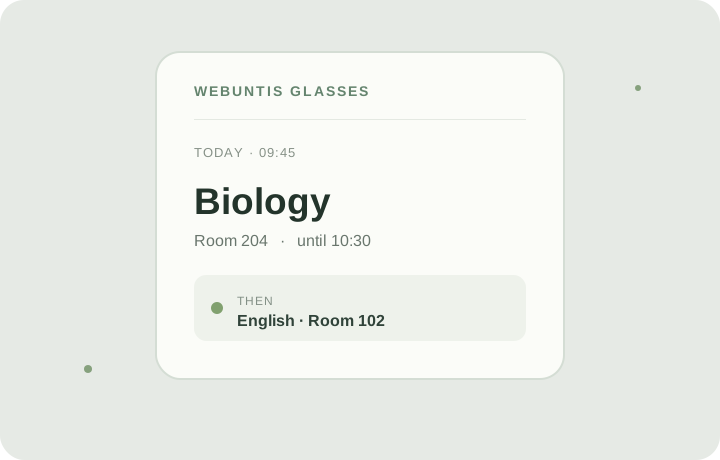 YOUR TIMETABLE AT A GLANCE
See your next class and daily timetable on compatible Meta Ray-Ban Display glasses.
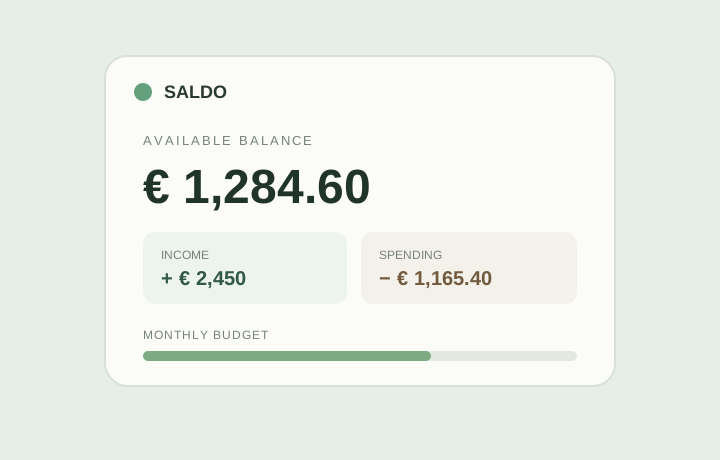 YOUR MONEY AT A GLANCE
Track income, spending, debts and budgets. Enter everything yourself; Saldo has no bank connection.
The apps are free to use. Orbit Calendar and WebUntis Glasses are open source.
A QUICK INTRODUCTION
Meta Ray-Ban Display brings short, useful information into view when you need it. This collection focuses on two everyday needs: checking your next appointment and seeing your next class. Both apps are web apps, with setup guides to help you add them to compatible display glasses.
Orbit Calendar connects to a read-only ICS feed or a CalDAV calendar. Pair the glasses with a short code to see upcoming events at a glance. Changes are not written back to your calendar provider. Find features, setup steps, and privacy details on the Orbit Calendar app page.
WebUntis Glasses shows your next class and daily schedule. Pair your glasses with a short code; your WebUntis password is not sent to them. The WebUntis Glasses app page explains setup and what to expect.
Saldo lets you enter income, spending, budgets, debts and recurring items yourself, then check your overview on the web or your glasses. It does not connect to a bank. Learn more on the Saldo app page.
No. The app directory, GitHub projects, and setup guides are public. A profile on this website is optional.
Yes. The listed apps are free to use. Orbit Calendar and WebUntis Glasses are open source.
Each app page links to its repository and explains how the app handles data. For setup help, see the frequently asked questions. For details about account email, password hashes, and sessions on this website, read the privacy overview.
META DISPLAY APPS
An independent collection of helpful apps for Meta Ray-Ban Display glasses, designed to be simple to set up and mindful of your privacy.
↗