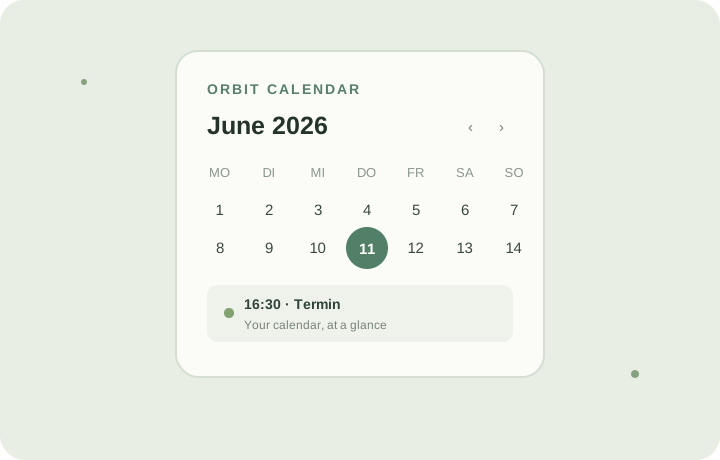
Orbit Calendar is a web calendar app for Meta Ray-Ban Display glasses and a regular web browser. Connect a public ICS feed or a private CalDAV calendar, then view upcoming events in a compact display. It is designed for a quick check of what is next.
To pair the glasses, open the display page and use the short-lived code in the web app. The glasses refresh events automatically. Orbit Calendar only reads your calendar: it does not send edits back to your provider. Local plans stay in your browser and can be exported as an ICS file.
How to set up Orbit Calendar
Open Orbit Calendar on your phone or computer.
Open the display page on your compatible glasses and note the pairing code.
Enter your calendar address and the code in the app settings.
Calendar events are fetched when requested; the service does not keep a copy of your event list. Credentials for a paired CalDAV calendar are encrypted before storage. The glasses receive a device token, not your calendar password.