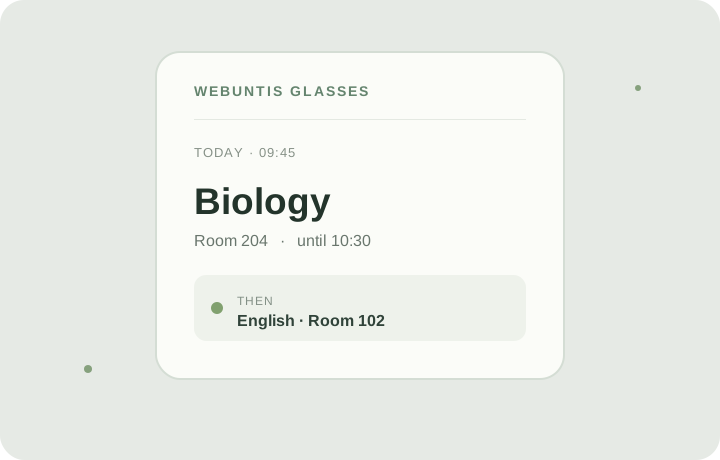
WebUntis Glasses brings your next class and daily timetable into a compact view on your glasses. Connect the web app from a phone or computer, then pair it with the glasses using a short code.
After setup, the display refreshes the timetable automatically. Your glasses receive a random device identifier, not your WebUntis password. The service encrypts the saved connection so it can retrieve schedule information for display.
Set up WebUntis Glasses
Open the English guide on your phone or computer.
Start WebUntis Glasses on compatible Meta Ray-Ban Display glasses.
Enter the pairing code and your WebUntis sign-in details in the web app.
Choose or confirm your school and server before connecting.
The connection is used to retrieve timetable information for the display. You can disconnect your glasses to remove the saved profile and pairing from the service.